
Transcribe YouTube Videos to Text
Transcribe any YouTube video to text in seconds with our YouTube transcription tool. Get accurate YouTube video transcripts, subtitles, and summaries instantly.
Transcribe YouTube Videos to Text
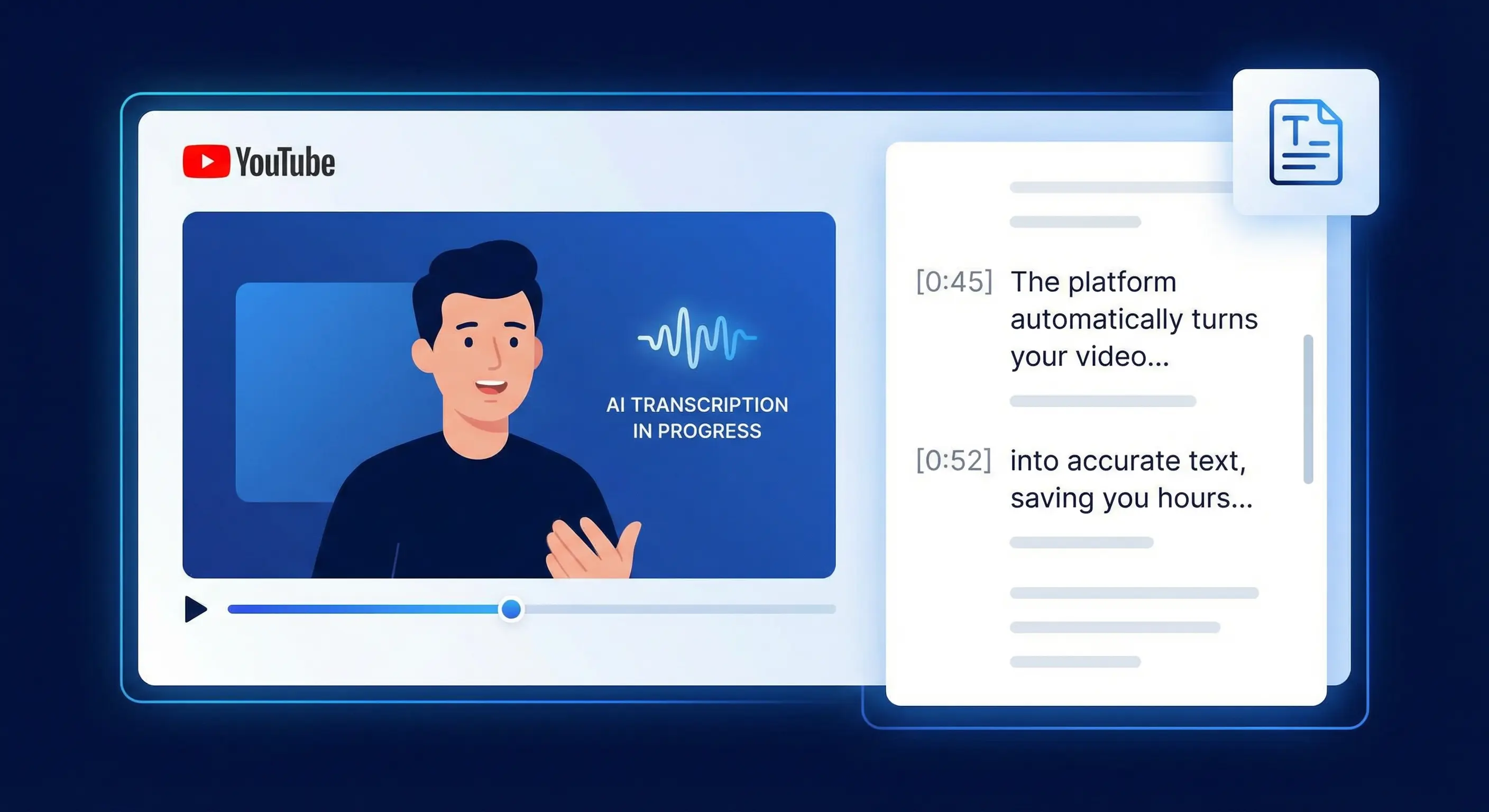
Need to transcribe a YouTube video to text? Whether you're creating content, researching, or making videos accessible, getting a YouTube video transcript doesn't have to be complicated.
With Calybro, you can convert any YouTube video into a searchable, editable transcript in seconds. No downloads, no manual typing, no waiting hours for results.
Why Transcribe YouTube Videos?
YouTube transcripts serve multiple purposes:
- Content repurposing: Turn video content into blog posts, social media captions, or articles
- SEO benefits: Search engines can index transcript text, improving discoverability
- Accessibility: Make your content accessible to viewers who are deaf or hard of hearing
- Research: Quickly search and find specific quotes or topics in long-form content
- Study notes: Students can create searchable notes from educational videos
- Translation: Generate transcripts that can be translated to reach global audiences
How to Get a YouTube Video Transcript
Getting a YouTube video transcript with Calybro is straightforward:
- Copy the YouTube video URL from your browser
- Paste the link into Calybro's transcription tool
- Configure settings (optional): Set language, specify speaker count, or add custom vocabulary
- Start transcription: Processing begins automatically
- Get your transcript: Receive a full text transcript with timestamps, plus subtitles and a summary
The entire process takes just seconds for most files. Calybro processes audio faster than real-time, so transcripts are ready quickly even for hour-long videos.
What You Get
When you transcribe a YouTube video with Calybro, you receive:
Full Text Transcript
A complete, word-for-word transcript with accurate punctuation and formatting. Edit it directly in Calybro or export for use elsewhere.
Word-Level Timestamps
Every word is time-aligned to the video. Click any word in the transcript to jump to that exact moment in the original YouTube video.
Subtitles (SRT & VTT)
Ready-to-use subtitle files in industry-standard formats. Upload them directly to YouTube, Vimeo, or any video platform.
Automatic Summary
An AI-generated summary highlighting key points and main topics. Perfect for quickly understanding long-form content.
Translation Support
Translate your YouTube video transcript into 150+ languages, helping you reach international audiences.
Key Features for YouTube Transcription
High Accuracy
Calybro uses advanced AI speech recognition models trained on diverse audio. It handles:
- Various accents and dialects
- Technical terminology
- Multiple speakers
- Background noise
- Long-form content (up to 2 hours)
No Download Required
Unlike many YouTube transcript generators, Calybro processes videos directly from the URL. You don't need to download videos or install software.
Custom Vocabulary
Add brand names, technical terms, or industry-specific jargon to improve accuracy. This is especially useful for specialized content like tutorials, technical presentations, or interviews with specific terminology.
Speaker Identification
Automatically identify and label different speakers in multi-person videos. Specify the number of speakers for even better accuracy.
Use Cases
Content Creators
Repurpose YouTube videos into:
- Blog posts and articles
- Social media content
- Email newsletters
- Podcast show notes
- E-books or guides
Students and Educators
- Create searchable notes from lecture videos
- Generate study materials from educational content
- Make course content accessible
- Translate educational videos
Journalists and Researchers
- Extract quotes from interview videos
- Analyze long-form content quickly
- Create searchable archives
- Fact-check by searching transcripts
Marketers and SEO Teams
- Make video content indexable by search engines
- Create keyword-rich content from videos
- Generate meta descriptions and titles
- Improve video SEO with transcripts
Accessibility Teams
- Create captions for deaf and hard-of-hearing viewers
- Generate transcripts for screen readers
- Make content compliant with accessibility standards
Tips for Best Results
- Use clear audio: While Calybro handles various audio qualities, clearer audio produces better results
- Specify language: If the video is in a non-English language, specify it for improved accuracy
- Add custom vocabulary: For technical content, add relevant terms to the custom vocabulary
- Review and edit: AI transcription is highly accurate, but review for proper nouns, technical terms, and context-specific language
- Use summaries: For long videos, start with the AI-generated summary to understand key points quickly
Privacy and Security
Calybro processes your YouTube video transcriptions securely. Public YouTube videos can be transcribed directly via URL. Your transcripts are private and only accessible to you unless you choose to share them.
Getting Started
Ready to transcribe your first YouTube video? Try Calybro free with 5 hours of transcription per month. No credit card required.
Simply paste a YouTube link and get your transcript in seconds.