
Interview Transcription with Speaker Identification
Transcribe interview audio with automatic speaker identification. Perfect for journalists, researchers, and content creators who need accurate interview transcripts with speaker labels.
Interview Transcription with Speaker Identification
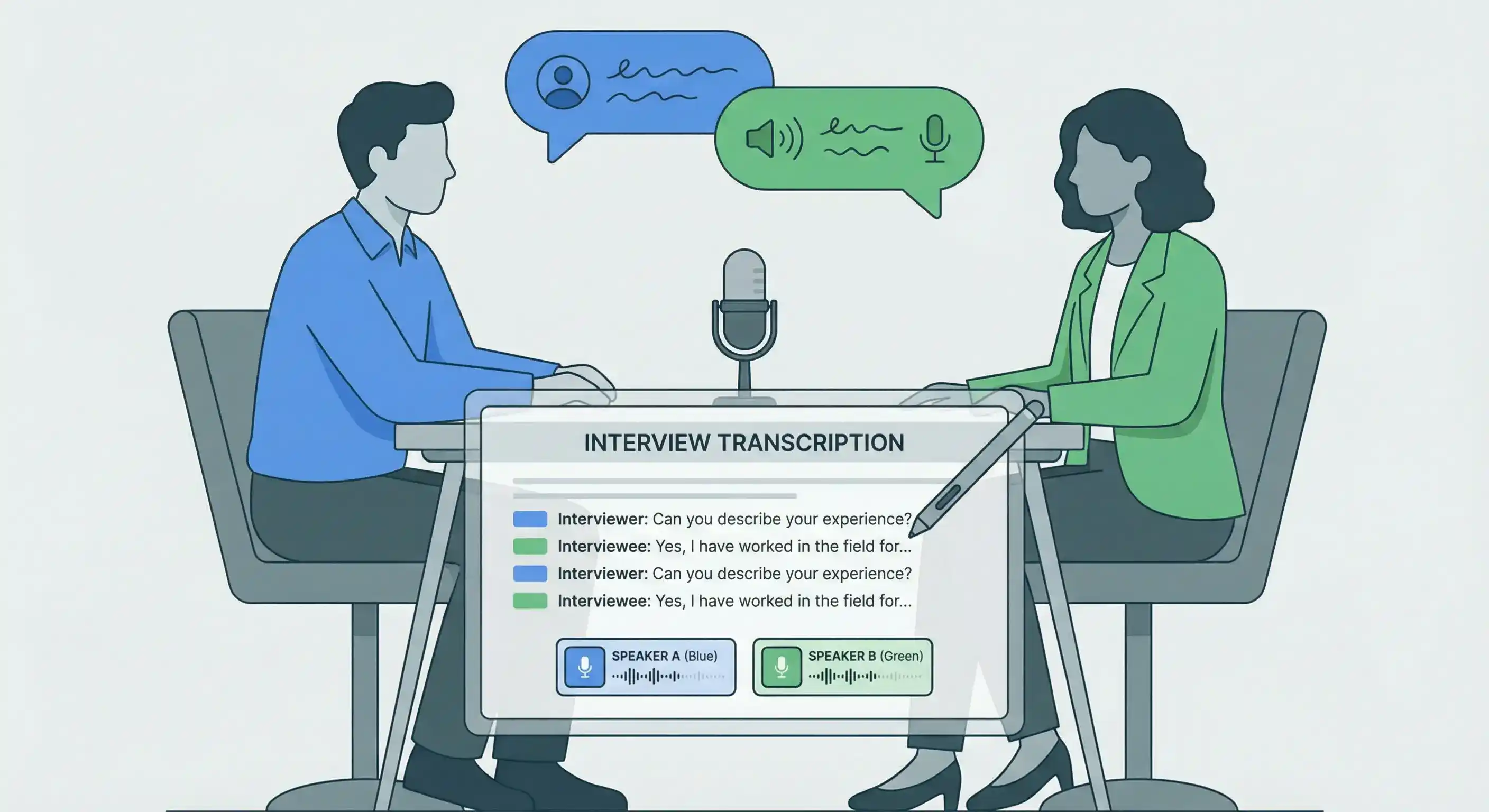
Transcribing interviews manually can take hours. Whether you're a journalist on deadline, a researcher analyzing qualitative data, or a content creator repurposing interview content, you need fast, accurate interview transcription with clear speaker identification.
Calybro's interview transcription software automatically identifies different speakers, labels their contributions, and delivers searchable transcripts in seconds, not hours.
Why Transcribe Interviews?
Interview transcripts are essential for:
Journalism and Media
- Extract accurate quotes for articles
- Fact-check statements quickly
- Create searchable archives of interviews
- Share transcripts with editors or fact-checkers
Research and Academia
- Analyze qualitative interview data
- Identify themes and patterns across multiple interviews
- Create searchable research databases
- Document methodology with verbatim transcripts
Content Creation
- Repurpose interview content into blog posts, articles, or social media
- Create show notes for podcast interviews
- Generate quotes and highlights for marketing materials
- Build content libraries from interview archives
Legal and Compliance
- Document interviews for legal proceedings
- Create records for compliance purposes
- Maintain accurate meeting minutes
- Archive important conversations
How Interview Transcription with Speaker Identification Works
Step 1: Upload Your Interview Audio or Video
You can transcribe interviews from multiple sources:
- Upload files: MP3, MP4, WAV, M4A, and other common formats
- Paste URLs: From YouTube, Vimeo, Google Drive, or other platforms
- Record live: Use Calybro's browser-based recording for real-time interviews
Step 2: Configure for Best Results
For optimal speaker identification:
- Specify speaker count: Tell Calybro how many people are in the interview (1-on-1, panel discussion, group interview, etc.)
- Set the language: Specify the interview language for improved accuracy
- Add custom vocabulary: Include names, technical terms, or industry jargon that might appear
Step 3: Get Your Transcript
Once processing completes (typically faster than real-time), you receive:
- Speaker-labeled transcript: Each statement clearly attributed to "Speaker 1", "Speaker 2", etc.
- Word-level timestamps: Click any word to jump to that moment in the original recording
- Automatic summary: Key points and main topics extracted automatically
- Exportable formats: Text, SRT, or VTT for use in other tools
Speaker Identification Features
Automatic Detection
Calybro's AI analyzes voice patterns, speech rhythms, and acoustic characteristics to distinguish between speakers automatically. No manual training required.
Configurable Accuracy
Specifying the number of speakers helps the AI:
- Better separate similar voices
- Reduce speaker confusion
- Improve labeling accuracy
- Handle overlapping speech more effectively
Editable Labels
After transcription, you can:
- Rename speakers (e.g., "Speaker 1" → "Dr. Smith")
- Merge incorrectly separated speakers
- Split speakers that were combined
- Assign roles (Interviewer, Interviewee, etc.)
Best Practices for Interview Transcription
Audio Quality
- Use quality recording equipment: Better audio = better transcription
- Minimize background noise: Record in quiet environments when possible
- Ensure clear speech: Ask participants to speak clearly and avoid talking over each other
- Test audio levels: Ensure all speakers are audible and balanced
Preparation
- Know your speaker count: Count participants before starting
- Prepare custom vocabulary: Add names, technical terms, or industry-specific language
- Note the language: Specify if the interview is in a non-English language
- Consider context: Add relevant context terms that might help accuracy
Post-Processing
- Review speaker labels: Verify that speakers are correctly identified
- Edit proper nouns: Check names, places, and technical terms
- Use the summary: Start with the AI summary to understand key points
- Export appropriately: Choose the format that works best for your workflow
Use Cases by Industry
Journalism
Journalists use interview transcription for:
- Extracting quotes for articles
- Verifying facts and statements
- Creating searchable interview archives
- Sharing transcripts with editors
- Building source databases
Market Research
Researchers transcribe interviews to:
- Analyze customer feedback and opinions
- Identify trends and patterns
- Create qualitative data sets
- Generate insights reports
- Document user research
Academic Research
Academics use transcripts for:
- Qualitative data analysis
- Thematic analysis of interviews
- Documenting research methodology
- Creating searchable research databases
- Publishing interview data
Content Marketing
Content creators transcribe interviews to:
- Repurpose podcast interviews into blog posts
- Create social media quotes and highlights
- Generate email newsletter content
- Build content libraries
- Improve SEO with text content
Human Resources
HR teams use transcription for:
- Interview documentation
- Candidate evaluation records
- Compliance documentation
- Training session transcripts
- Meeting minutes
Accuracy and Quality
Calybro's interview transcription achieves high accuracy (typically 95%+) with clear audio. Accuracy improves when you:
- Use high-quality recordings
- Specify the correct number of speakers
- Add custom vocabulary for names and technical terms
- Set the correct language
For interviews with:
- Heavy accents: Specify the accent region if possible
- Technical terminology: Add terms to custom vocabulary
- Multiple languages: Transcribe in the primary language, then translate
- Background noise: Calybro handles moderate noise, but quieter is better
Privacy and Security
Your interview transcripts are:
- Private by default: Only you can access them
- Secure: Encrypted in transit and at rest
- Controllable: You decide what to share and export
- Compliant: Suitable for sensitive interviews when handled appropriately
Getting Started
Ready to transcribe your interviews? Start with Calybro's free plan and get 5 hours of transcription per month. No credit card required.
Upload your interview audio or video, specify the number of speakers, and get a fully labeled transcript in seconds.