
Podcast Transcription & Show Notes
Transcribe podcasts automatically and generate show notes. Perfect for podcasters who want to repurpose content, improve SEO, and make episodes accessible.
Podcast Transcription & Show Notes
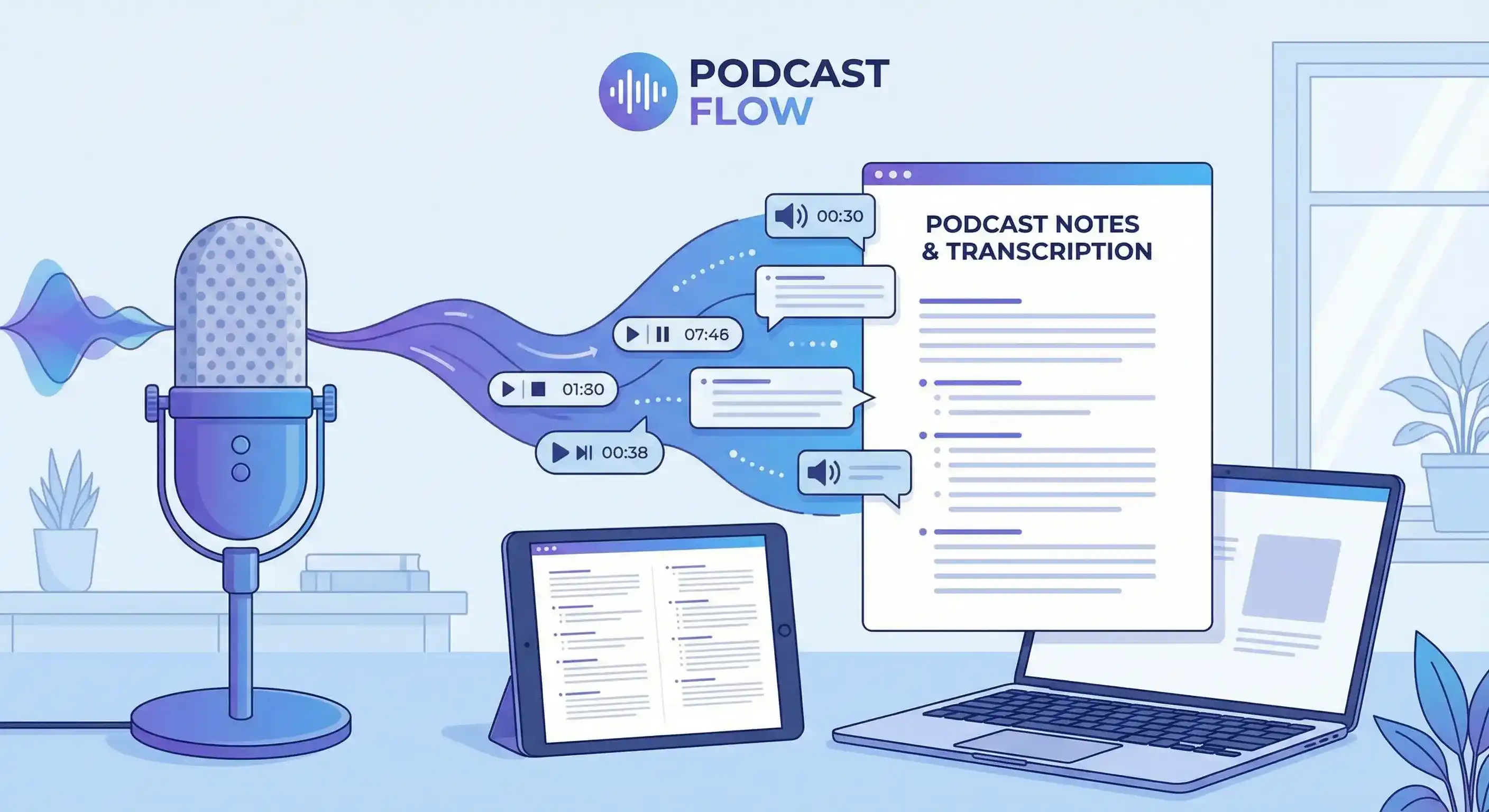
Creating show notes for every podcast episode is time-consuming. Transcribing episodes manually? That can take hours. But your podcast content is valuable—it deserves to be searchable, accessible, and repurposable.
Calybro's podcast transcription service automatically converts your podcast audio into searchable text, generates show notes, and helps you repurpose content across platforms, all in seconds.
Why Transcribe Your Podcast?
SEO and Discoverability
Search engines can't index audio. By transcribing your podcast, you create searchable text content that:
- Improves your website's SEO
- Makes episodes discoverable through search
- Increases organic traffic to your podcast
- Helps listeners find specific topics or quotes
Content Repurposing
One podcast episode can become:
- Blog posts and articles
- Social media quotes and highlights
- Email newsletter content
- YouTube video descriptions
- E-book chapters or guides
- Twitter threads or LinkedIn posts
Accessibility
Podcast transcripts make your content accessible to:
- Deaf and hard-of-hearing listeners
- People who prefer reading over listening
- Non-native speakers who find text easier to follow
- Listeners in noisy environments
Show Notes Creation
Instead of manually writing show notes, use AI-generated summaries as a starting point:
- Key topics and themes automatically extracted
- Main points highlighted
- Timestamps for easy navigation
- Ready to edit and publish
How Podcast Transcription Works
Step 1: Provide Your Podcast Audio
You can transcribe podcasts from multiple sources:
Upload Audio Files
- Export episodes from your podcast hosting platform
- Upload MP3, WAV, M4A, or other audio formats
- Files up to 2 hours and 1GB are supported
Paste URLs
- Copy episode URLs from hosting platforms
- Paste directly into Calybro
- Works with most podcast hosting services
Record Live
- Record podcast episodes directly in Calybro
- Transcription starts automatically after recording
- Perfect for live shows or interviews
Step 2: Configure Settings
For podcast transcription, optimize settings:
- Specify speaker count: Tell Calybro how many hosts and guests are in the episode
- Set language: Specify the podcast language for better accuracy
- Add custom vocabulary: Include:
- Host and guest names
- Brand names mentioned
- Technical terms or jargon
- Product names or services discussed
Step 3: Get Your Transcript and Show Notes
Once processing completes, you receive:
- Full transcript: Complete word-for-word transcript with timestamps
- Speaker labels: Each host and guest clearly identified
- Automatic summary: AI-generated show notes with key points
- Exportable formats: Text, SRT, or VTT for various uses
Creating Show Notes from Transcripts
Using AI-Generated Summaries
Calybro automatically creates a summary of your podcast episode that includes:
- Main topics discussed
- Key points and takeaways
- Important quotes or highlights
- Overall episode themes
This summary serves as an excellent starting point for show notes. You can:
- Edit and expand the summary
- Add your own insights or commentary
- Include timestamps for specific topics
- Add links to resources mentioned
- Format for your website or hosting platform
Best Practices for Show Notes
- Start with the summary: Use Calybro's AI summary as your foundation
- Add structure: Organize with headings, bullet points, and sections
- Include timestamps: Link to specific moments in the episode
- Add context: Explain topics for readers who haven't listened
- Include resources: Link to books, articles, or tools mentioned
- Optimize for SEO: Use relevant keywords naturally in your show notes
Repurposing Podcast Content
Blog Posts
Transform podcast episodes into long-form blog content:
- Use the transcript as your base
- Expand on topics discussed
- Add visuals, charts, or examples
- Optimize for search engines
- Link back to the podcast episode
Social Media Content
Create multiple pieces of content from one episode:
- Quotes: Extract memorable quotes for Twitter, LinkedIn, or Instagram
- Threads: Create Twitter threads covering main topics
- Carousels: Design visual carousels with key points
- Video clips: Use timestamps to create short video clips
Email Newsletters
Use transcripts to create newsletter content:
- Summarize key points
- Include quotes from guests
- Link to the full episode
- Provide additional resources
YouTube Descriptions
If you publish podcast episodes on YouTube:
- Use the transcript as the video description
- Include timestamps for easy navigation
- Add relevant keywords for SEO
- Link to resources mentioned
SEO Benefits of Podcast Transcription
Search Engine Indexing
- Search engines can't listen to audio, but they can read text
- Transcribed content becomes searchable and indexable
- Improves your website's overall SEO performance
- Helps you rank for relevant keywords
Keyword Optimization
- Naturally include keywords in your transcript
- Optimize show notes with relevant search terms
- Create content that answers user queries
- Build topical authority in your niche
Internal Linking
- Link transcript pages to related content
- Create topic clusters around podcast themes
- Improve site structure and navigation
- Increase time on site and engagement
Use Cases by Podcast Type
Interview Podcasts
- Transcribe guest interviews for articles
- Extract quotes for social media
- Create guest bio pages with interview highlights
- Build searchable guest database
Educational Podcasts
- Create study guides from episode transcripts
- Build knowledge bases from transcribed content
- Generate FAQ pages from common questions
- Create course materials from episode content
News and Commentary Podcasts
- Publish transcripts as articles
- Create searchable news archives
- Extract quotes for news aggregation
- Build topical authority through written content
Storytelling Podcasts
- Create written versions of stories
- Build narrative archives
- Repurpose stories for blog posts
- Create e-books from episode collections
Best Practices
Audio Quality
- Use quality microphones and recording equipment
- Minimize background noise
- Ensure all speakers are clearly audible
- Test audio levels before recording
Speaker Identification
- Specify the number of hosts and guests
- Add names to custom vocabulary
- Review and correct speaker labels after transcription
- Use consistent naming across episodes
Content Organization
- Create a consistent show notes template
- Use timestamps for easy navigation
- Organize topics with clear headings
- Include relevant links and resources
SEO Optimization
- Include relevant keywords naturally
- Write descriptive episode titles
- Create meta descriptions from summaries
- Link to related content
Getting Started
Ready to transcribe your podcast episodes? Start with Calybro's free plan and get 5 hours of transcription per month.
Upload your first episode, get a transcript and summary in seconds, and start creating better show notes today.