
Generate Subtitles for Any Video
Generate accurate subtitles automatically for any video platform. Create SRT and VTT subtitle files for YouTube, Vimeo, social media, and more. Improve accessibility and SEO.
Generate Subtitles for Any Video
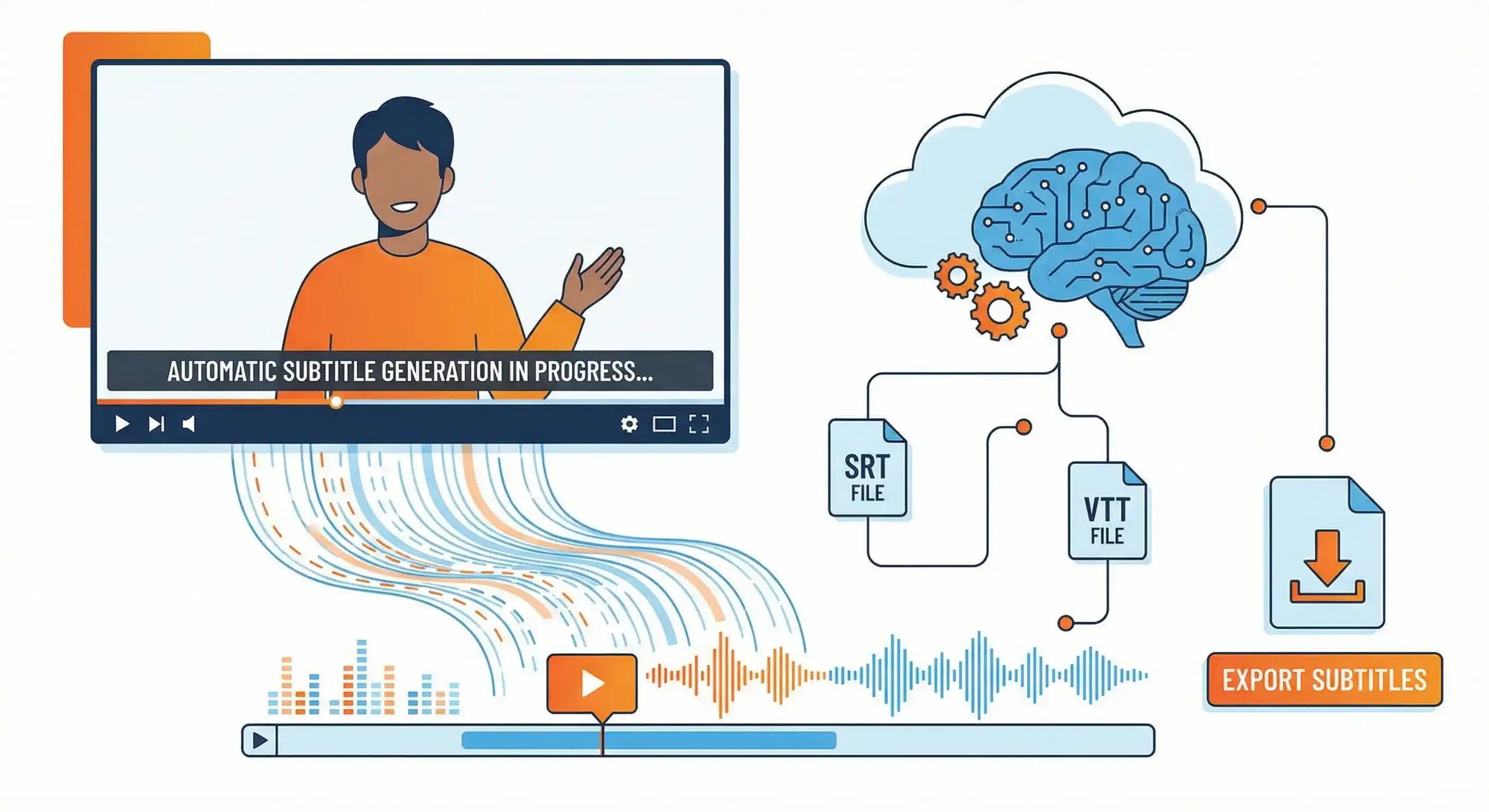
Subtitles aren't just nice to have—they're essential. Whether you're publishing on YouTube, Vimeo, social media, or your own website, automatic video captions improve accessibility, boost SEO, and increase engagement.
Calybro's AI subtitle generator automatically creates accurate, time-synced subtitles for any video platform. Export in SRT or VTT format, and your subtitles are ready to upload anywhere.
Why Generate Subtitles for Your Videos?
Accessibility
Subtitles make your content accessible to:
- Deaf and hard-of-hearing viewers
- People in noisy environments
- Viewers who prefer reading
- Non-native speakers
- Anyone who can't use audio
Legal compliance: Many regions require subtitles for public content. Making your videos accessible isn't just good practice—it's often required.
SEO Benefits
Search engines can't watch videos, but they can read text:
- YouTube SEO: YouTube uses subtitles to understand and index video content
- Website SEO: Subtitle text on your website improves search rankings
- Keyword optimization: Naturally include relevant keywords in subtitles
- Discoverability: Make your video content searchable and findable
Engagement and Watch Time
Videos with subtitles see:
- Higher watch time: Viewers watch longer with subtitles enabled
- Better retention: Subtitles help viewers follow along and stay engaged
- Social media performance: Subtitled videos perform better on platforms like Facebook, Instagram, and TikTok
- Mobile viewing: Many viewers watch without sound on mobile devices
International Reach
Subtitles help you:
- Reach global audiences without dubbing
- Translate content to multiple languages
- Make content accessible to non-native speakers
- Expand your audience internationally
How to Generate Subtitles
Step 1: Provide Your Video
You can generate subtitles from multiple sources:
Upload Video Files
- Upload MP4, MOV, AVI, or other video formats
- Files up to 2 hours and 1GB supported
- Works with any video editing software exports
Paste Video URLs
- YouTube, Vimeo, TikTok, Instagram, and more
- Paste the URL directly into Calybro
- No download required—processing happens automatically
Record Live
- Record videos directly in Calybro
- Transcription and subtitles generated automatically
- Perfect for live streams or quick recordings
Step 2: Configure Settings
Optimize subtitle generation:
- Set language: Specify the video language for best accuracy
- Add custom vocabulary: Include brand names, technical terms, or proper nouns
- Specify speakers: For multi-person videos, indicate speaker count
Step 3: Export Subtitles
Once transcription completes, export subtitles in your preferred format:
SRT Format (SubRip)
- Most widely supported subtitle format
- Works with YouTube, Vimeo, and most video platforms
- Compatible with video editing software
- Simple text-based format, easy to edit
VTT Format (WebVTT)
- Web standard for video captions
- Used by YouTube and modern web players
- Supports styling and positioning
- Ideal for web-based video players
Both formats include:
- Accurate timestamps for every subtitle
- Proper formatting and line breaks
- Ready-to-upload files
Platform-Specific Guides
YouTube
- Transcribe your video with Calybro
- Export as SRT or VTT
- Go to YouTube Studio → Your Video → Subtitles
- Click "Add language" → Select your language
- Click "Upload file" → Select your subtitle file
- Review and publish
Pro tip: YouTube can auto-sync subtitles, but uploading pre-made files gives you more control and better accuracy.
Vimeo
- Generate subtitles with Calybro
- Export as SRT format
- Go to Vimeo → Your Video → Settings → Captions
- Click "Upload captions" → Select your SRT file
- Set language and publish
Social Media Platforms
Facebook/Instagram
- Upload video with embedded subtitles (burned-in)
- Or use platform's native caption tools with SRT files
- Many platforms support direct SRT upload
TikTok
- Use TikTok's auto-captions feature
- Or upload SRT files if available
- Consider burned-in subtitles for better mobile viewing
- Upload SRT files when available
- Or use platform's captioning tools
- Professional content benefits from accurate subtitles
Video Editing Software
Import subtitles into:
- Adobe Premiere Pro: Import SRT files directly
- Final Cut Pro: Supports SRT and VTT formats
- DaVinci Resolve: Native subtitle import
- Camtasia: Import SRT files for caption tracks
Subtitle Format Details
SRT (SubRip) Format
SRT files are simple text files with:
- Sequential subtitle numbers
- Timestamps (start → end)
- Subtitle text
- Blank lines between entries
Example:
1
00:00:00,000 --> 00:00:05,500
Welcome to this video tutorial.

2
00:00:05,500 --> 00:00:10,200
Today we'll learn about transcription.
VTT (WebVTT) Format
VTT files are web-standard with:
- WEBVTT header
- Timestamps and text
- Optional styling and positioning
- Better web player support
Best Practices
Accuracy
- Review transcripts: Check for errors before exporting
- Edit timestamps: Ensure subtitles sync properly with video
- Test playback: Verify subtitles display correctly
- Check formatting: Ensure proper line breaks and length
Readability
- Line length: Keep lines to 42-45 characters for readability
- Line breaks: Break at natural pauses or sentence boundaries
- Timing: Ensure adequate reading time (typically 3-5 seconds per line)
- Synchronization: Match subtitles precisely with spoken words
SEO Optimization
- Include keywords: Naturally incorporate relevant keywords
- Write descriptions: Use subtitle text in video descriptions
- Create transcripts: Publish full transcripts on your website
- Link building: Use transcript pages for internal linking
Accessibility
- Multiple languages: Create subtitles in multiple languages
- Proper formatting: Follow accessibility guidelines
- Test with screen readers: Ensure compatibility
- Provide alternatives: Offer both subtitles and transcripts
Use Cases
Content Creators
- Make YouTube videos more discoverable
- Improve engagement on social media
- Reach international audiences
- Repurpose video content as text
Businesses
- Make training videos accessible
- Improve corporate video SEO
- Ensure compliance with accessibility requirements
- Create multilingual content efficiently
Educators
- Make educational videos accessible
- Help students who are deaf or hard of hearing
- Support non-native speakers
- Create searchable video libraries
Marketers
- Improve video ad performance
- Increase social media engagement
- Reach broader audiences
- Create SEO-friendly video content
Cost and Time Savings
Manual Subtitle Creation
- Time required: 5-10 minutes per minute of video
- Cost: $1-5 per minute for professional services
- Quality: Varies based on skill and attention
Automatic Subtitle Generation
- Time required: 2-3 minutes setup, then automatic
- Cost: €24/month for regular use (or free plan available)
- Quality: High accuracy with AI, easily editable
ROI: For regular video creators, automatic subtitle generation saves hours and significantly reduces costs.
Getting Started
Ready to generate subtitles for your videos? Start with Calybro's free plan and get 5 hours of transcription per month.
Upload your video or paste a URL, get accurate subtitles in SRT or VTT format, and make your content more accessible and discoverable today.