
How to Transcribe a Podcast to Text
Turn podcast episodes into text in minutes. Paste the episode URL or upload the file in Calybro. Get a transcript, show notes, and SRT/VTT. No typing required. 5 hours free per month.
How to Transcribe a Podcast to Text
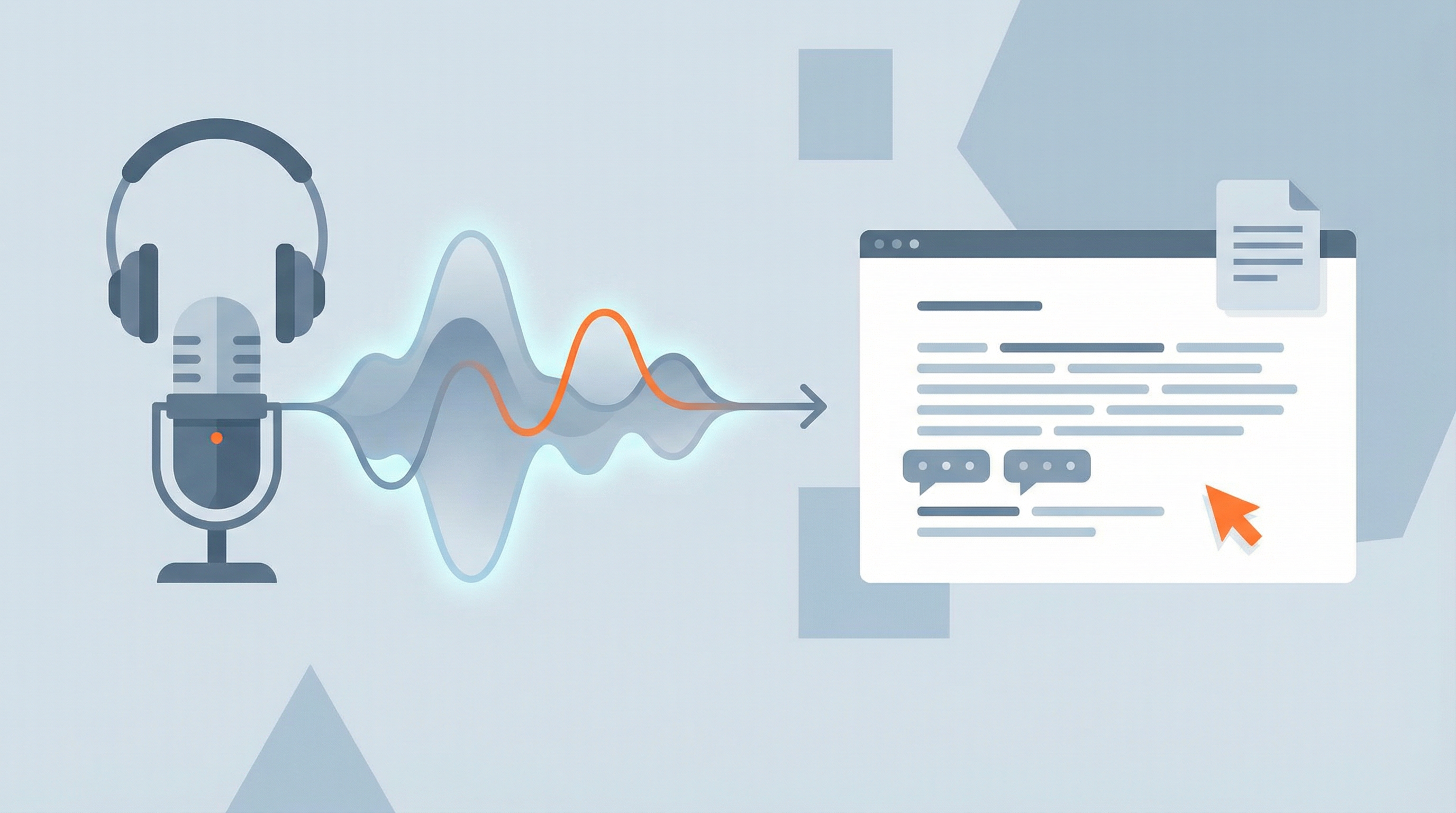
You don't have to listen and type. Paste the episode URL or upload the audio file and get a full transcript in minutes. Use it for show notes, SEO, or repurposing.
Here's how to transcribe a podcast with Calybro: choose your source (link or file), start the job, then grab the transcript or export subtitles.
Why transcribe your podcast?
Show notes and SEO
Text makes your episode searchable. Listeners and search engines can find specific topics or quotes. Show notes also give people a reason to stay on your site.
Repurposing
One episode can become a blog post, quotes for social, or a script for a short video. A transcript is the starting point.
Accessibility
Some people prefer or need to read. Transcripts and captions (SRT/VTT) make your podcast usable for more audiences.
Step 1: Get the episode into Calybro
You can use a URL or a file.
Option A: Paste a URL
If your podcast episode is available as a direct link (e.g. from your host or a platform Calybro supports), paste it into Calybro. It will pull the audio and transcribe it. No download step.
Option B: Upload the audio file
If you have the MP3, WAV, or M4A file, upload it in Calybro. Same flow: start transcription, wait a few minutes, then open the transcript.
- Go to Calybro and sign up (free: 5 hours per month, no card).
- Paste the episode URL or upload the audio file.
- Set the language if it's not English. For two-host or interview episodes, you can set the number of speakers for better labels.
- Start the transcription. When it's done, open the transcript.
Step 2: Use or export the transcript
Inside Calybro you can:
- Read and edit the transcript (fix names or terms).
- Export as plain text, SRT, or VTT for subtitles or show notes.
- Use AI chat to summarize the episode, pull key points, or find a specific moment.
For show notes, copy the text or use the AI to generate a short summary. For video or captions, export SRT or VTT and upload that file where you need it.
Step 3: Optional — improve accuracy
If you have recurring names, brands, or jargon, add them in Calybro's custom vocabulary or spelling list. That reduces errors in the transcript so you do less manual fixing.
Related resources
- Podcast transcription and show notes — Use case and workflow
- How to transcribe an audio file — File-based transcription in detail
- How to transcribe a YouTube video — When your podcast is on YouTube
Summary
- Paste the episode URL or upload the audio file in Calybro.
- Set language and (optional) speaker count, then start transcription.
- Use the transcript for show notes, export SRT/VTT, or chat with AI about the content.
Try Calybro free: 5 hours of transcription per month, no credit card. Paste a link or upload a file and get a transcript in minutes.